Find the words again
Open Library on the home screen and search your saved readings. Rename a reading to give it a title that is easy to recognize.
Keep your text, explanation, and source photo together in a library on your device.
A useful letter. An interesting page. Something you want to read again. New readings save automatically when processing finishes successfully.
How to manage your saved readings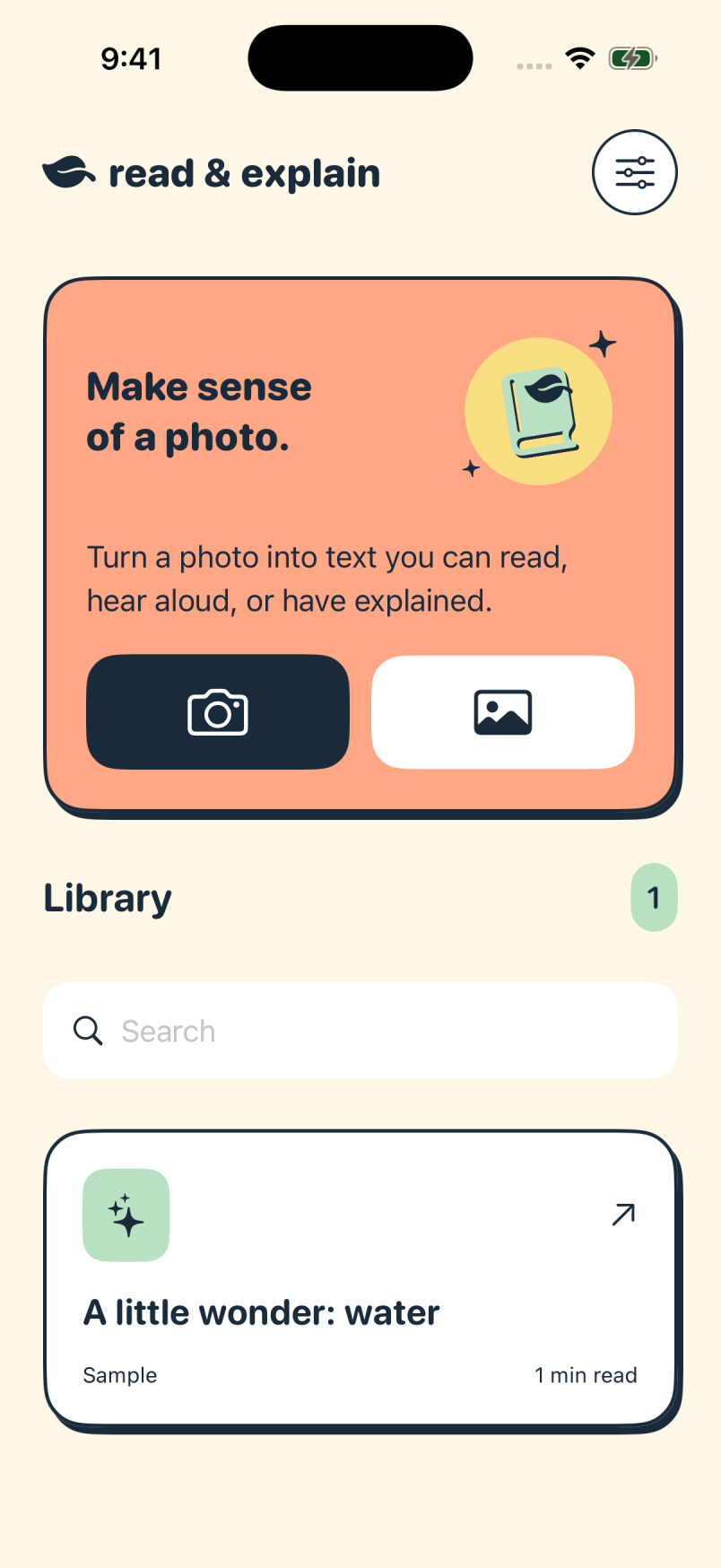
Open Library on the home screen and search your saved readings. Rename a reading to give it a title that is easy to recognize.
Open saved text without an internet connection. Built-in listening also works with a voice available on the device.
Share original text or an explanation through Apple’s share sheet. Your saved readings remain available even if your membership ends.
Save a reading from a letter, give it a useful name, and reopen it later. Your original photo is there when you need to compare a detail.
Libraries stay on the device where you create them and do not currently sync between iPhone and iPad. Restoring a membership does not restore another device’s library. Share important text before deleting a reading or removing the app.