
See the word being spoken
Spoken-word highlighting helps you follow the text as it is read aloud. Pause when you need a moment, then continue.
Hear your reading with Apple’s built-in voices, with word highlighting as you listen.
Give your eyes a break, follow the words on screen, or settle into a pace that works for you. Listen is part of your reading space.
How to listen and follow along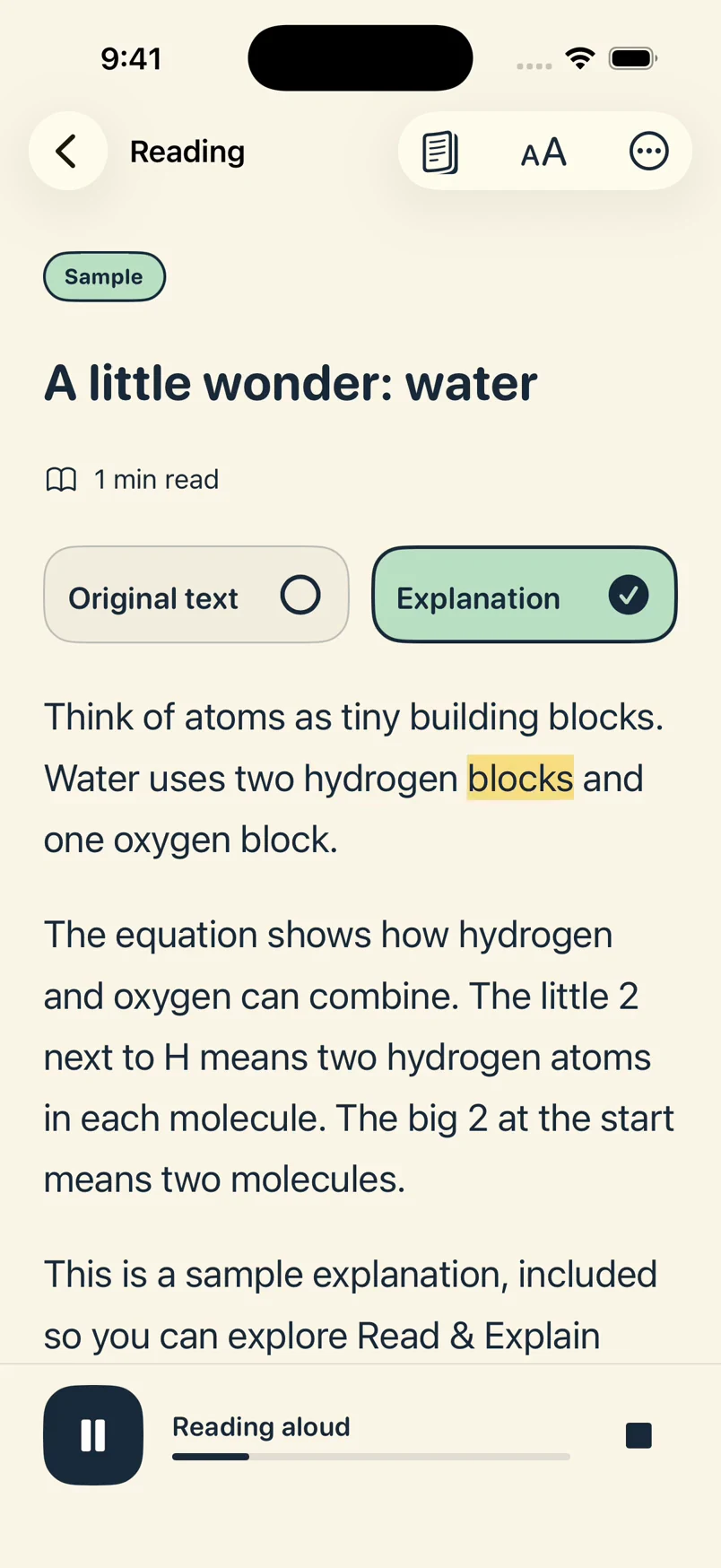
Spoken-word highlighting helps you follow the text as it is read aloud. Pause when you need a moment, then continue.
Adjust speaking speed and reading language in Settings. Voice availability depends on your device and the languages you have downloaded.
Listen reads the selected version: Original text or Explanation. Built-in listening stays available for saved readings if your membership ends.
Open a saved letter or reading and tap Listen. Follow the highlighted word, or hear the text without needing to read every line on screen.
Listen uses Apple’s built-in text-to-speech voices. It does not send the text to OpenAI for audio generation. Offline listening needs a voice available on your device.